
Introduction
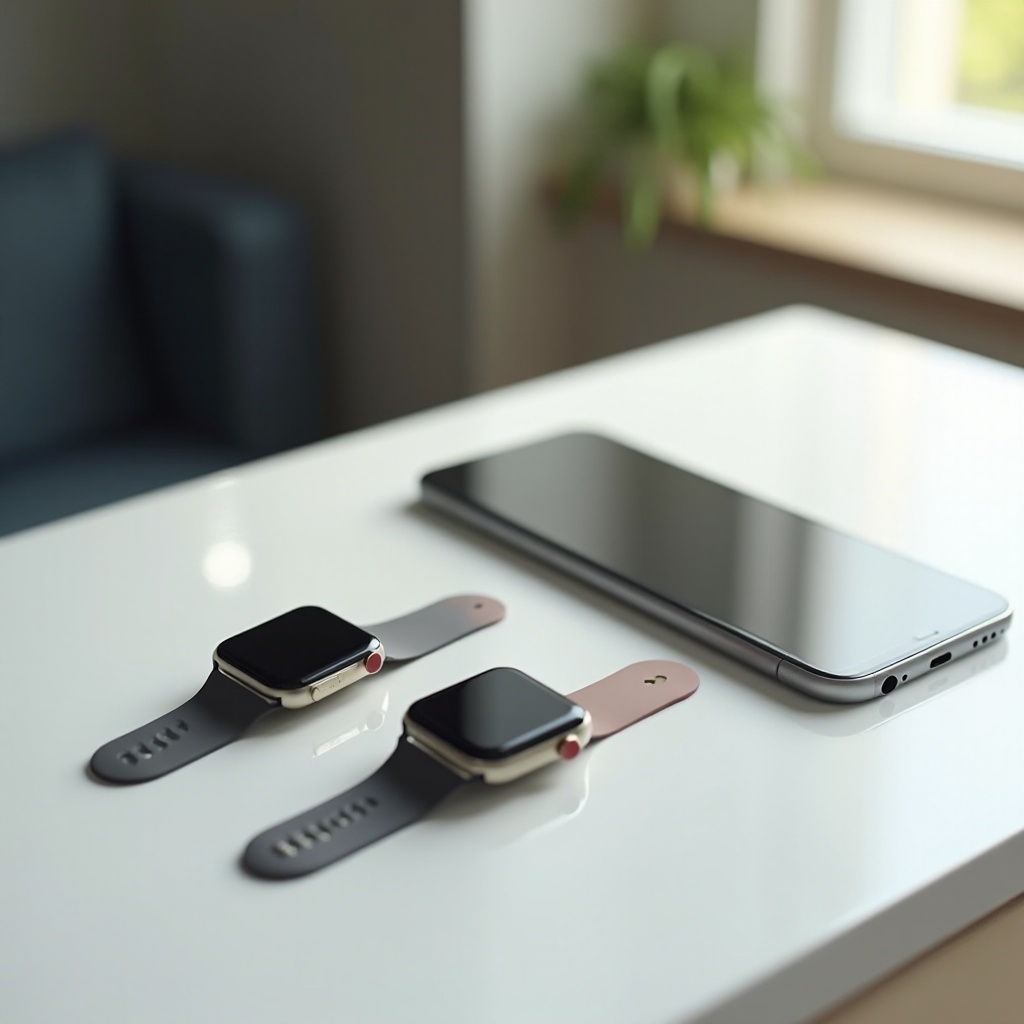
Managing two Apple Watches with one iPhone can provide increased flexibility and functionality. Many users appreciate the option to switch between watches for different activities, like workouts or business meetings. Understanding this process will help you seamlessly integrate two watches into your routine, offering both convenience and enhanced versatility.
Understanding the Basics
Before setting up, it’s crucial to ensure your devices are compatible. For two Apple Watches to pair with a single iPhone, make sure iOS 11.3 or later is installed, while each Apple Watch should run watchOS 5.2 or higher. Verifying software updates can prevent potential issues down the line.
Apple has simplified the process of managing multiple devices. Once compatibility is confirmed, the dynamic switching between watches offers users a seamless digital experience.
Setup Process for Connecting Two Apple Watches
Start by setting up your first Apple Watch:
1. Turn on the Apple Watch and place it near the iPhone.
2. Wait for the pairing screen and follow on-screen instructions.
3. Customize your watch settings.
To add a second Apple Watch:
1. Open the Apple Watch app on your iPhone.
2. Tap ‘All Watches’ and select ‘Add Watch’.
3. Follow the pairing steps, similar to the first watch.
Switching is automatic; the watch you wear connects to your phone, allowing effortless transitions.
Managing Notifications and Apps
Effective management of notifications and apps ensures that you’re always updated, regardless of the watch in use. Apple routes notifications to the active watch based on proximity:
– Notifications appear on the watch you are wearing.
– Switching watches automatically shifts notifications to the current device.
Ensure each watch has customized settings for notifications and apps. Synchronize health and fitness apps to maintain consistent data across both devices.
Benefits of Using Two Apple Watches
Adopting two Apple Watches enhances user experience with unique benefits:
– Activity-Specific Wear: Easily switch from a sports-focused watch to a style-centric one for social events.
– Battery Efficiency: Alternate between watches, optimizing battery life by using a charged watch when needed.
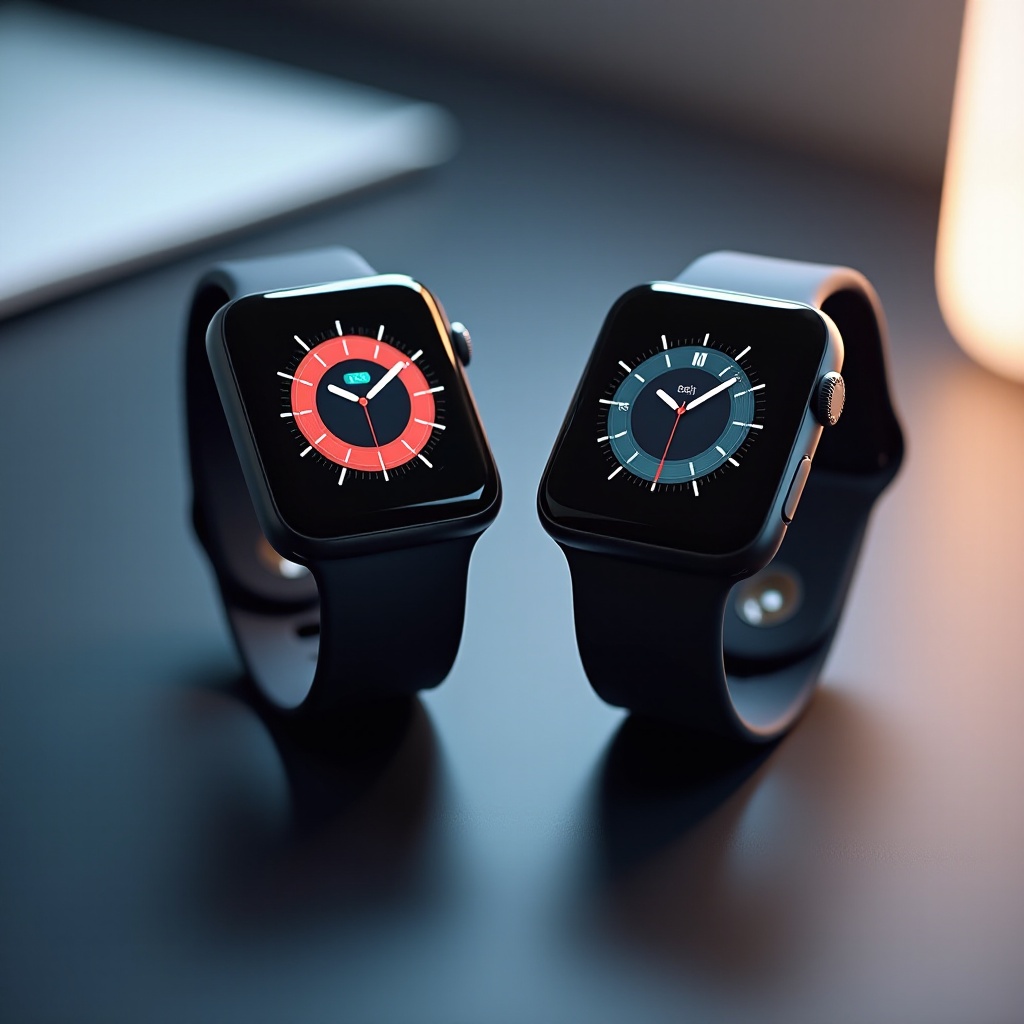
– Customization Flexibility: Each device can support different aesthetics, suiting varied occasions and moods.
These advantages highlight the practicality of managing multiple devices, tailored to individual lifestyles.
Common Issues and Troubleshooting
Despite Apple’s user-friendly design, some challenges may arise:
1. Connectivity Problems: Keeping software updated on all devices usually resolves these.
2. Delayed Notifications: Reset Bluetooth connections if notifications are slow.
3. Syncing Issues: Ensure synchronization settings in the Health app are correctly configured.
Taking these steps can address most issues, ensuring smooth operation of dual-watch setups.
Expert Tips for Optimal Use
Maximizing dual-watch functionality involves strategic management:
– Maintain a regular charging schedule for both watches.
– Select which watch will primarily collect fitness data for continuity.
– Consider apps like ‘Power Sync’ to ensure data consistency.
Seasoned users implement these tips to maintain their equipment’s performance, especially in fitness or tech-heavy environments.
Conclusion
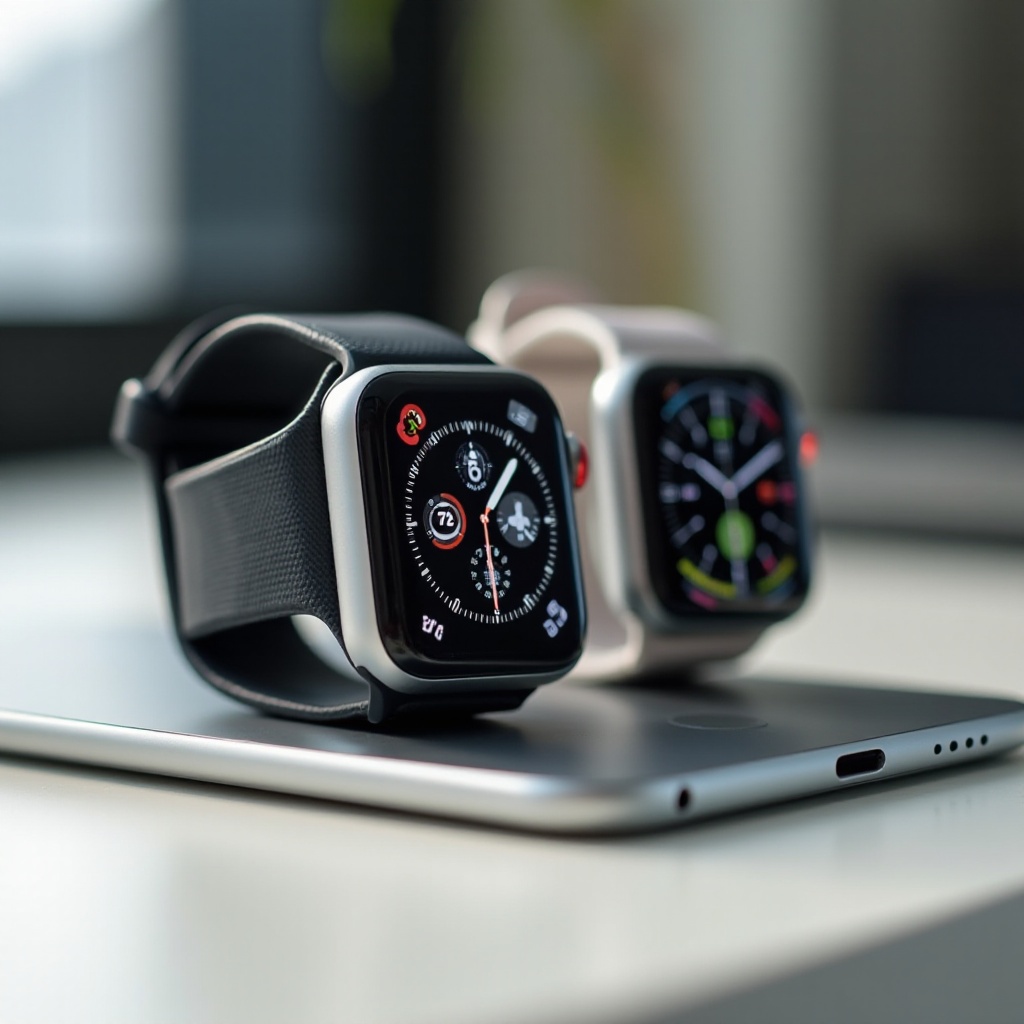
Connecting two Apple Watches to a single iPhone offers a blend of convenience and enhanced digital experience. Proper setup and smart management allow users to maximize functionality and enjoy the flexibility of multi-device use. Explore the potential of dual-watch capabilities and enjoy a personalized and efficient setup.
Frequently Asked Questions
Can I pair more than two Apple Watches with one phone?
Yes, an iPhone can manage multiple Apple Watches, although only one can be connected at a time.
Will having two Apple Watches affect battery life on my iPhone?
No, connecting two Apple Watches does not significantly affect your iPhone’s battery as only one watch is active at any moment.
How can I prioritize notifications for each Apple Watch?
Use the Apple Watch app to customize notification settings for each watch, ensuring alerts are prioritized according to your preferences.