
Introduction
Televisions are a staple of modern home entertainment. When a screen suffers damage, it disrupts viewing pleasure and could lead to costly fixes or outright replacement. Understanding the common causes of TV screen damage is vital for timely intervention and prevention. This guide covers everything from damage identification to effective repairs.
Common Causes of TV Screen Damage
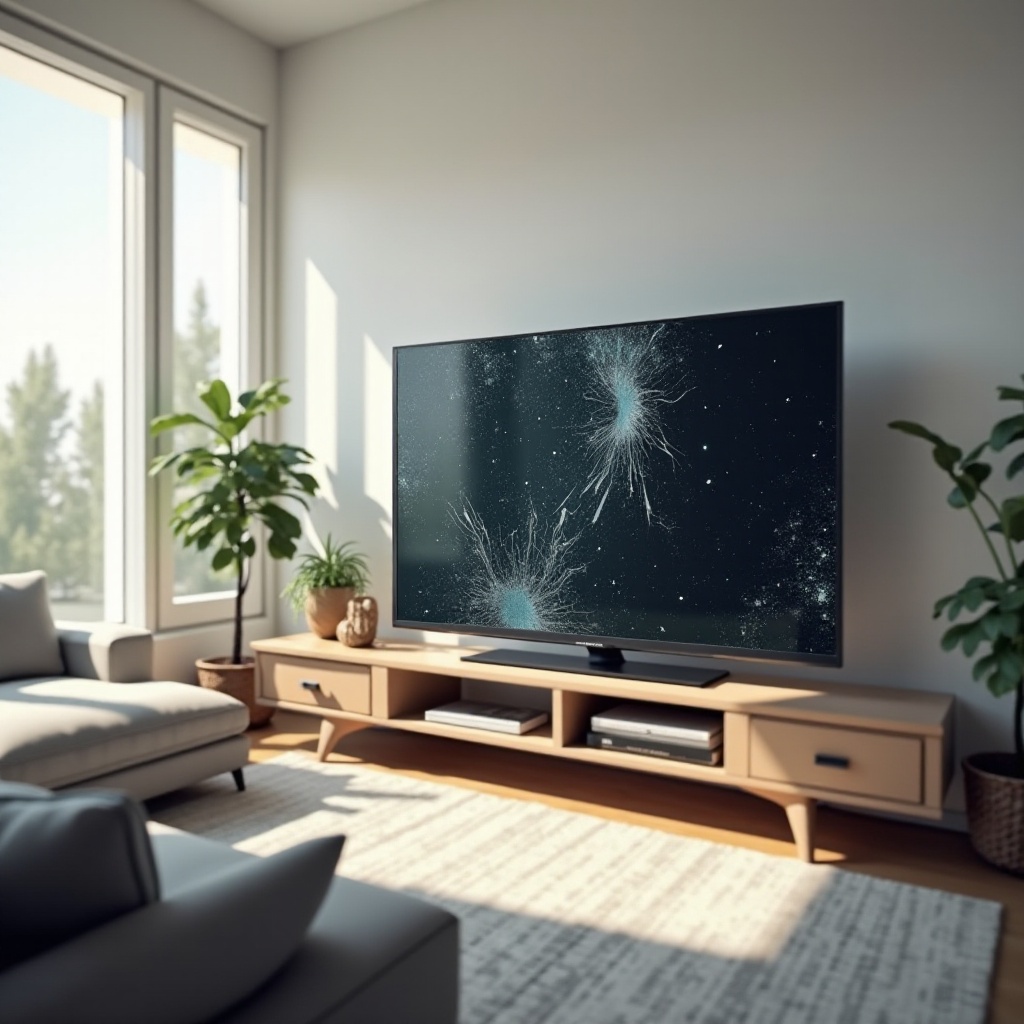
Damage to TV screens is typically due to several factors, and recognizing these can aid in prevention. Physical impacts, such as accidental bumps or falls, might result in cracked or marred screens. Picture nudging the TV while cleaning or during a child’s playful antics, and you’ll see how easily damage can occur.
Additionally, electronic failures are frequent culprits. Power surges or faulty wiring can damage circuits, causing screens to flicker or lose visuals. Environmental conditions like humidity and temperature shifts can slowly undermine screen quality. Leaving windows open on humid days while watching TV might seem nice but invites moisture damage.
Identifying and Diagnosing Screen Damage
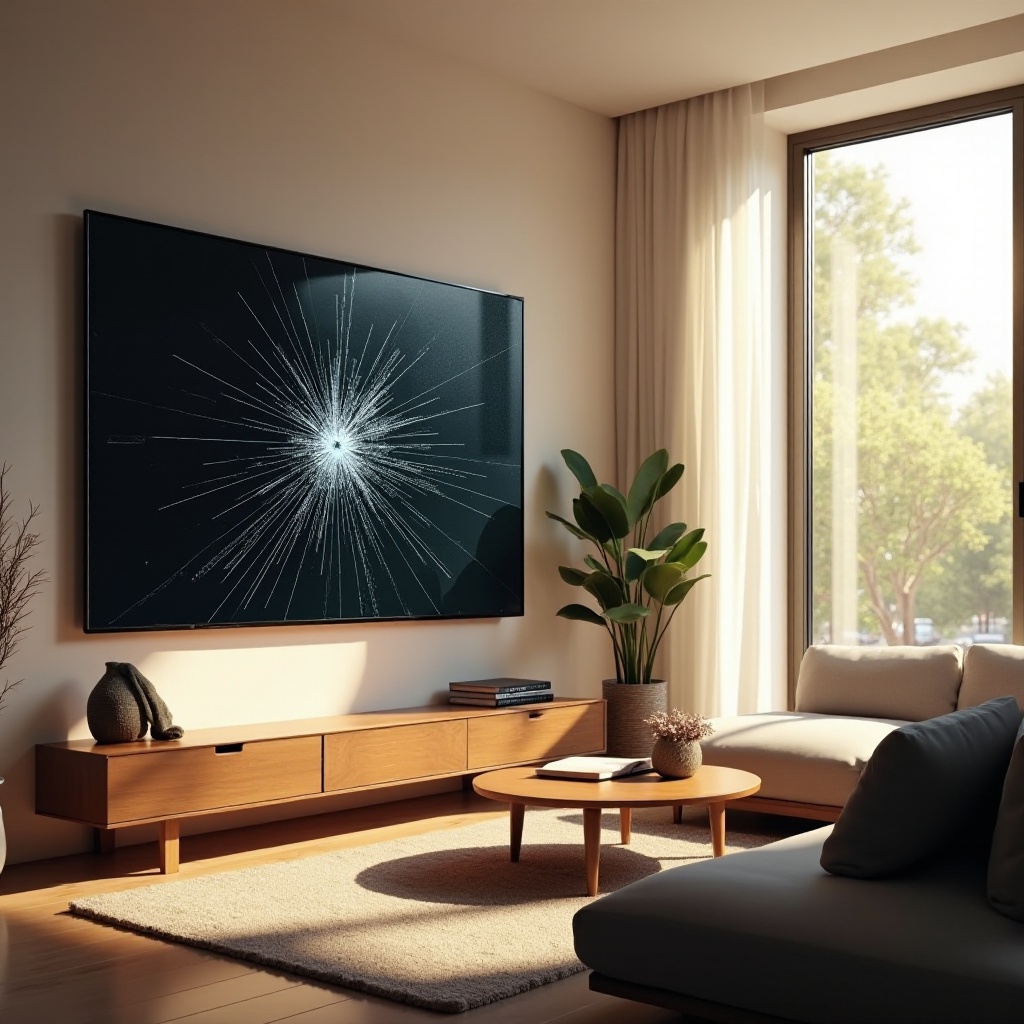
Spotting damage early can significantly cut costs. Begin with a visual check. Look for visible cracks, color distortions, or spots; these are red flags for deeper issues. Furthermore, pay attention to performance: is the screen flickering? Are there persistent dead pixels? Such behaviors often point to potential issues.
Once you suspect damage, diagnosing it enables you to gauge its extent. While a visual check provides initial insights, professional technicians can diagnose with advanced tools. Knowing whether the problem is cosmetic or electronic informs your next steps.
Repairing Different Types of TV Screen Damage
Addressing screen damage effectively depends on its nature. Minor surface scratches can often be handled with a DIY approach. You might use petroleum jelly or a specific scratch kit to lessen visible marks.
However, serious issues like large cracks, significant pixel loss, or electronic glitches often demand professional attention. It’s crucial to know when a simple fix is adequate and when to enlist expert help.
Addressing Physical Damage
For superficial scratches, carefully clean the area with a soft cloth. Apply a mild scratch remover using circular motions. For more extensive damage, professional consultation is advised as it could indicate more profound issues.
Technical and Pixel Issues
Dead pixels or flickering usually stem from internal issues. Certain software programs can identify and sometimes revive dead pixels. Persistent screen disturbances often suggest deeper power or circuit issues needing professional intervention.
Dealing with Backlight Problems
If a screen appears dark or unevenly lit, the backlight might be faulty. Adjusting TV settings can alleviate minor problems, but ongoing issues typically require a professional evaluation.
Repair vs. Replace: Making the Right Decision
Choosing whether to fix or replace a TV depends on damage extent and cost-effectiveness. Consider repair expenses against new purchase costs. If repair nearly matches a replacement price, buying new—especially with advancing technology—may offer better value.
Warranties sometimes cover costs, making repair financially feasible. Balancing repair against new technology advantages, like smart features and energy efficiency, can guide a prudent decision.
Finding Reliable Repair Services
Securing a reliable repair service is essential. Begin by checking online reviews and seeking recommendations. Opt for technicians familiar with your TV brand as they offer better insights into typical issues and solutions.
When consulting repair services, inquire about experience and guarantees. Competent services should provide upfront estimates for price and repair duration. Transparent communication ensures your TV is in competent hands.
Preventive Measures to Avoid Future Damage
Prevention is always preferable to fix. Stick to these steps to forestall future screen damage:
– Securely mount your TV to prevent accidental tipping.
– Regularly clean screens with a microfiber cloth to avoid scratches from dirt.
– Use surge protectors to shield against power spikes.
– Control room temperature and humidity to prevent environmental damage.
– Ensure good ventilation to avert overheating.
By incorporating these practices, you can greatly enhance your TV screen’s durability and performance.

Conclusion
TV screen damage is a widespread yet manageable issue. Recognizing causes and implementing effective repair or prevention strategies maintains your entertainment asset over time. Regular care and early intervention curb major repair needs, preserving the quality of your viewing device.
Frequently Asked Questions
What are the most common types of TV screen damage?
The most common types include physical damage, like scratches or cracks, electronic issues such as flickering or dead pixels, and environmental damage due to humidity or temperature changes.
Is it worth repairing a TV screen, or should I buy a new one?
This depends on the repair cost versus the replacement cost. If repairs are close to the price of a new TV, replacing it might be more economical and beneficial for accessing newer technology.
How can I prevent damage to my TV screen in the future?
Securely mount your TV, gently clean it with a microfiber cloth, use a surge protector, maintain a stable environment, and ensure proper ventilation to prevent overheating.