
Introduction
Fog in your iPhone camera can quickly ruin your treasured photos, turning clear shots into frustrating blurs. Without intervention, capturing moments with clarity becomes increasingly difficult. Understanding the causes of this annoyance and knowing how to fix it can restore your camera to its original quality. Let’s dive into the causes and solutions for this common problem.
Understanding iPhone Camera Fogging
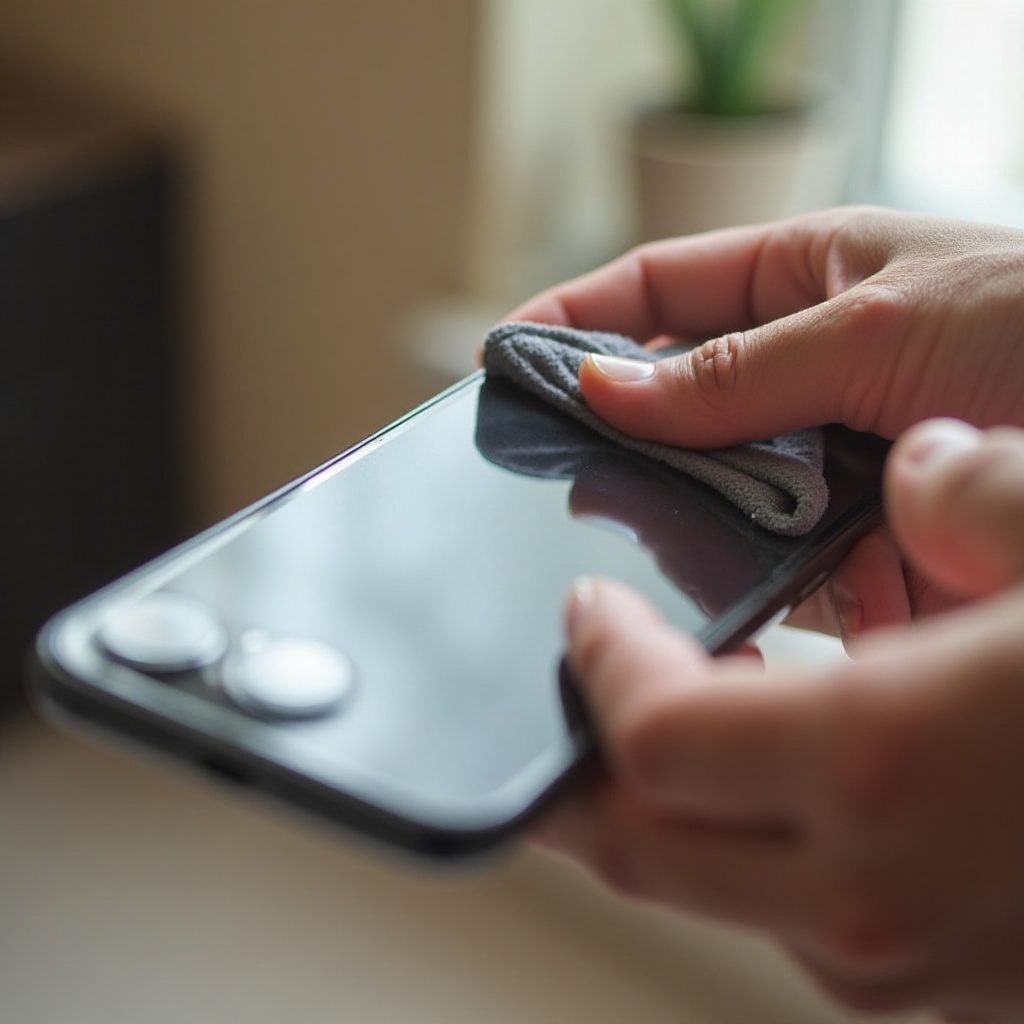
Fogging in an iPhone camera arises when moisture condenses inside the lens due to rapid temperature changes. This is a typical scenario when moving from a cold environment to a warm one, such as entering a building from outside in the winter. The condensation settles inside the lens, impacting the clarity of captured images. Knowing why fogging occurs sets the stage for addressing it effectively and helps prevent further issues.
Quick Fixes for Foggy iPhone Cameras
When you first notice your iPhone camera fogging up, taking immediate action can prevent it from affecting your photos further. Here are some quick fixes:
- Use a Microfiber Cloth: Start by gently wiping the lens with a clean microfiber cloth to remove surface moisture.
- Turn Off and Let It Rest: Switch off your iPhone and place it in a warm, dry location to allow internal moisture to evaporate naturally.
- Employ Silica Gel Packets: Keep your phone in a sealed container with silica gel packets, which are excellent at drawing moisture away from devices.
Implementing these methods can help clear the fog in many cases, allowing enhanced photo capture without interruption.
In-Depth Methods to Clear Fog
For instances where simple fixes aren’t enough, consider more thorough methods:
-
Remove the Case and Screen Protector: Sometimes these accessories trap moisture, so removing them allows the device to ‘breathe’ and dry out effectively.
-
Use a Hairdryer Cautiously: On a low heat setting, gently blow air over the camera lens. Ensure you don’t overheat any components.
-
The Rice Method: Myth or Reality? Leaving your iPhone in a bag of uncooked rice can sometimes absorb moisture, though silica gel remains more effective for moisture absorption.
These methods provide flexible options for managing fog resistance when basic actions fall short. Now, let’s look at preventing such issues from arising.
Preventing Future Fogging
Proper maintenance and care can prevent fogging and keep your iPhone camera in pristine condition.
- Proper Storage Habits: Always store your phone away from moisture-heavy environments.
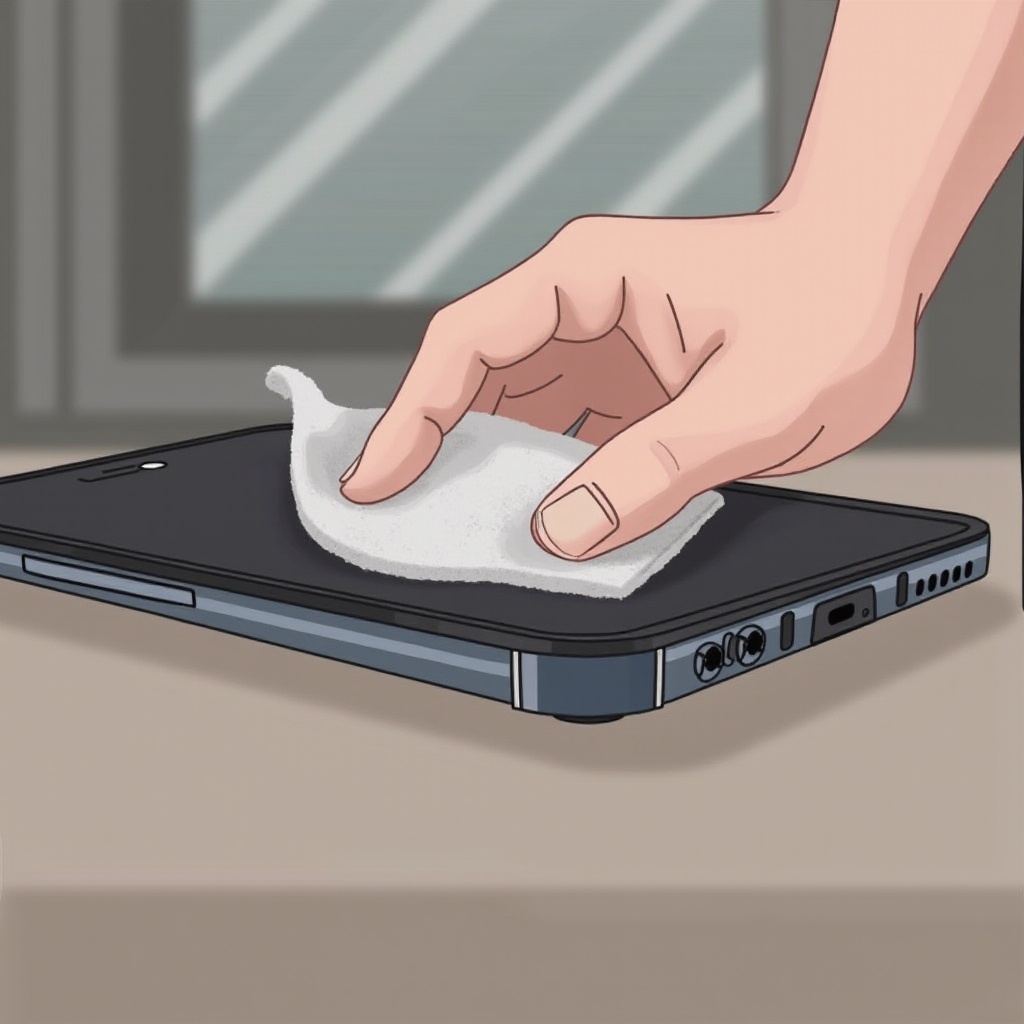
- Regular Cleaning Routine: Consistent cleaning with a microfiber cloth prevents the buildup of dust and moisture that can lead to fogging.
- Environmental Monitoring Tips: Stay aware of environmental conditions and avoid sudden temperature changes that can promote condensation.
Employing these preventive steps ensures your camera remains fog-free and ready to capture every moment.
When to Consult Professionals
Should persistent fogging issues continue, it may be time to seek professional assistance. Certified repair services can evaluate your phone’s internal components, ensuring that more extensive issues aren’t contributing to the fogging. Professionals can provide precise solutions, offering peace of mind and maintained device integrity.
Conclusion
Managing and preventing iPhone camera fog is essential for preserving photo quality. By embracing a mixture of quick fixes and more in-depth methods, along with preventive care, you ensure your camera is always ready for action. Regular attention to your device’s environment and maintenance habits can stop fog before it starts, keeping your photos as sharp and memorable as the moments they capture.
Frequently Asked Questions
Can a fogged-up camera damage my iPhone?
Fog can lead to moisture buildup, potentially harming internal elements if left unchecked. It’s essential to address this promptly to avoid long-term damage.
Is it safe to use a hairdryer on my iPhone?
Yes, if used cautiously. Ensure the heat setting is low to prevent damaging your phone. Heat must be applied gently to avoid overheating internal components.
Why does my iPhone camera fog more in winter?
During winter, moving from cold outdoors to warm indoors causes condensation to form on lenses. This temperature shift is a frequent cause of fogging.