
Introduction
A blue line appearing on your Samsung TV screen is a common frustration that can mar your viewing experience. This problem can arise due to various reasons, including technical glitches and hardware malfunctions. Luckily, with the right approach and solutions, you can often restore your TV to its optimal performance. This guide will help you understand potential causes and explore effective solutions, ensuring you can enjoy uninterrupted viewing.
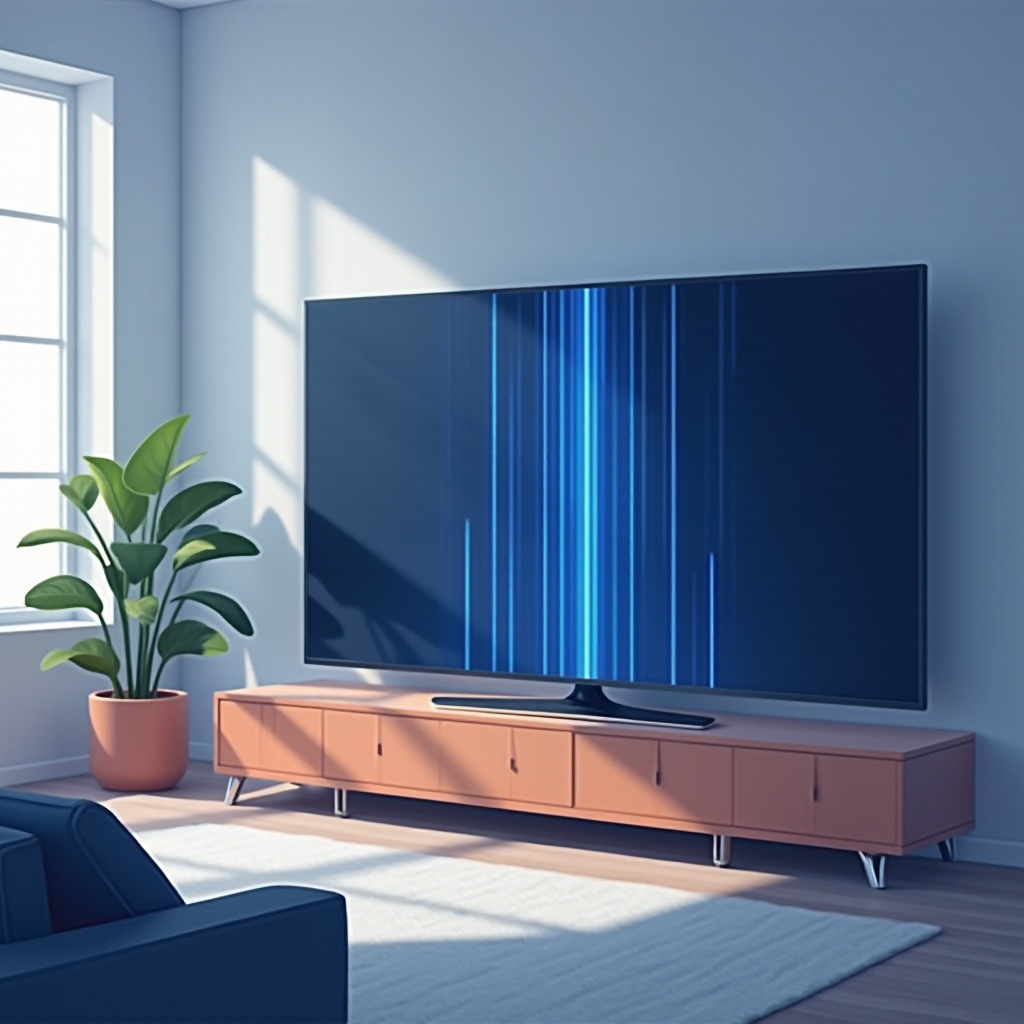
Understanding the Blue Line Problem
Recognizing the nature of the blue line issue is the first step toward resolution. Blue lines can stem from both software glitches and hardware failures. Temporary disruptions might be caused by firmware issues, whereas persistent lines often point to hardware malfunctions. Identifying the underlying cause aids in applying the appropriate fix effectively. This comprehension lays the groundwork for troubleshooting and resolving the anomaly.
Common Causes of the Blue Line on Samsung TVs
There are several common culprits behind the blue line display:
– Manufacturing Defects and Design Flaws: On rare occasions, production errors can lead to screen issues, especially in newer models.
– Software Glitches and Firmware Issues: Outdated or buggy software may result in temporary graphical errors like blue lines.
– Physical Damage and External Connections: Damage from impacts or issues with cables and ports can disrupt the display integrity.
Understanding these root causes provides valuable insights into the troubleshooting process.
Initial Troubleshooting Steps
When confronting a blue line issue, starting with basic troubleshooting can be highly effective:
1. Restart and Reset Your TV:
– Begin by switching off your TV and unplugging it for a few minutes.
– Restarting the TV can resolve transient software glitches causing the blue line.
2. Check and Replace Cables:
– Ensure all connected cables, such as HDMI, are securely attached.
– Replace any damaged cables to confirm the problem isn’t due to poor connections.
3. Update the TV’s Firmware:
– Navigate to the TV’s settings menu and check for available firmware updates.
– Install updates to improve software performance and address potential problems.
These preliminary steps often resolve many instances of the blue line issue. However, if the problem persists, further action is warranted.
Advanced Solutions for Persistent Blue Lines
For cases where simple troubleshooting proves ineffective, consider these advanced solutions:
– Inspect and Replace the T-CON Board:
– The T-CON board is crucial for managing display outputs. If damaged, replacing it can resolve persistent blue lines.
– Professional Repair vs. DIY Fixes:
– Evaluate the severity of the issue. Decide whether the situation warrants professional services or a do-it-yourself repair, considering your technical comfort and warranty coverage.
– Adjust TV Settings and Display Calibration:
– Access the display settings menu to adjust brightness, contrast, and color calibrations. These calibrations can offset minor graphical errors.
Advanced solutions can tackle deeper technical crises that simpler methods cannot address.
Preventative Measures and Maintenance Tips
To prevent the recurrence of the blue line issue, follow these maintenance guidelines:
– Ensure your TV is situated in a secure location to minimize risk of damage.
– Regularly verify and secure cable connections to maintain display integrity.
– Keep the TV software updated to guard against system glitches that lead to line issues.
Proactive maintenance ensures prolonged TV performance and minimizes disruptions.
Conclusion
Addressing blue line issues on your Samsung TV involves understanding possible causes and implementing effective fixes. Starting with basic troubleshooting and advancing to technical solutions as needed ensure a swift return to top viewing quality. Effective maintenance is key to preventing future occurrences and maintaining a superb entertainment experience.
Frequently Asked Questions
How do I perform a factory reset on my Samsung TV?
Navigate to the settings menu, select ‘General,’ choose ‘Reset,’ and follow the on-screen instructions. Be sure to back up important settings as needed.
When should I contact Samsung support for the blue line issue?
Contact Samsung support if initial and advanced troubleshooting doesn’t resolve the problem or if your TV is under warranty and requires professional intervention.
Can the blue line issue be prevented with regular maintenance?
Yes, performing regular maintenance such as checking cable connections and updating software can significantly reduce the chances of blue line occurrence.