
Introduction
The Nintendo Wii has delighted gamers with its innovative motion controls and unique games. However, like all electronic devices, it can face technical issues. From power problems to connectivity challenges, this guide offers step-by-step solutions for common Wii issues, ensuring your gaming experience remains as enjoyable as ever.

Preliminary Checks Before Troubleshooting
Before delving into specific problems, perform some preliminary checks. These simple actions often resolve issues without further intervention:
– Ensure all cables and connections are secure.
– Verify the console is plugged into a working outlet.
– Check if the power button responds, with the indicator light turning on.
These steps can quickly identify if a basic setup error is causing the problem. If the issue continues, proceed to more targeted troubleshooting techniques.
Troubleshooting Power Issues
Power-related troubles are common and frequently easy to remedy:
-
Identifying Power Supply Problems: Inspect the power brick’s LED light. If it isn’t illuminated, the brick may require replacement.
-
Steps to Reset the AC Adapter:
- Disconnect the AC adapter from the Wii and the wall outlet.
- Wait two minutes to reset the adapter’s internal breaker.
-
Reconnect the adapter securely to both the console and the outlet.
-
Testing Alternative Power Outlets: Use another device to ensure the outlet functions correctly. If needed, try a different outlet.
Solving these power issues can get your Wii back up and running, allowing you to tackle potential disc read errors next.
Solving Disc Read Errors
When the Wii fails to read discs, frustration can mount. Address these problems with the following steps:
-
Cleaning the Game Discs: Use a soft, lint-free cloth to wipe the disc from the center outward.
-
Inspecting the Wii’s Disc Drive: Check for visible obstructions and avoid using damaged discs that could worsen the issue.
-
Handling Disc Read Errors Without Opening the Console: Try a different game disc to determine if the issue persists, and listen for any unusual sounds from the drive.
Maintaining your discs and drive helps avoid read errors, letting you focus on resolving remote functionality issues.
Resolving Wii Remote Issues
A responsive Wii remote is crucial for gaming. If your remote isn’t working, try these solutions:
- Re-syncing the Wii Remote: Press the sync button on the console and then on the remote.
- Replacing or Recharging Batteries: Ensure the remote has adequate power with fresh or recharged batteries.
- Troubleshooting Sensor Bar Alignment Problems: Confirm the sensor bar is properly positioned and its connection is secure.
With a fully functional remote, you can enjoy seamless gaming. Next, ensure your console’s online connectivity is optimized.
Network Connection Problems
Smooth online connectivity is vital for maximizing the Wii’s features. Solve network issues like this:
- Checking the Wii’s Internet Settings: Access the settings menu to ensure your Wi-Fi network name and password are correct.
- Addressing Common Wi-Fi Connectivity Issues: Position your console closer to the router and remove physical obstructions that might block the signal.
Once your Wii is online, tackle any audio/visual problems that could hinder the gaming experience.
Addressing Audio/Video Problems
Good audio and video quality are essential for an immersive experience. Address issues with these steps:
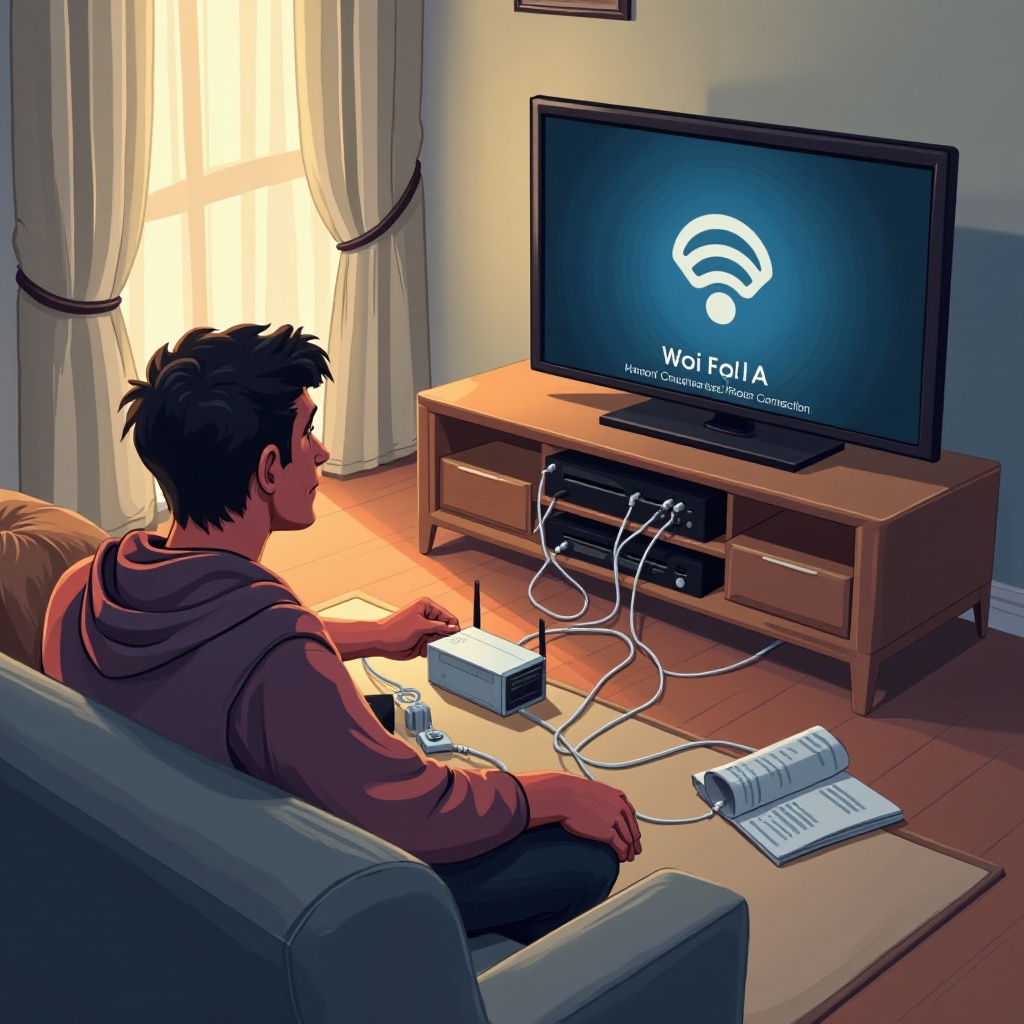
- Ensuring Cables Are Correctly Connected: Double-check that each cable is firmly inserted into the appropriate TV inputs.
- Adjusting Settings for Optimal Audio/Video Output: Visit the Wii’s settings to adjust display settings such as screen size and resolution.
Correcting these problems enhances your gaming atmosphere. Now let’s summarize your troubleshooting successes.
Conclusion
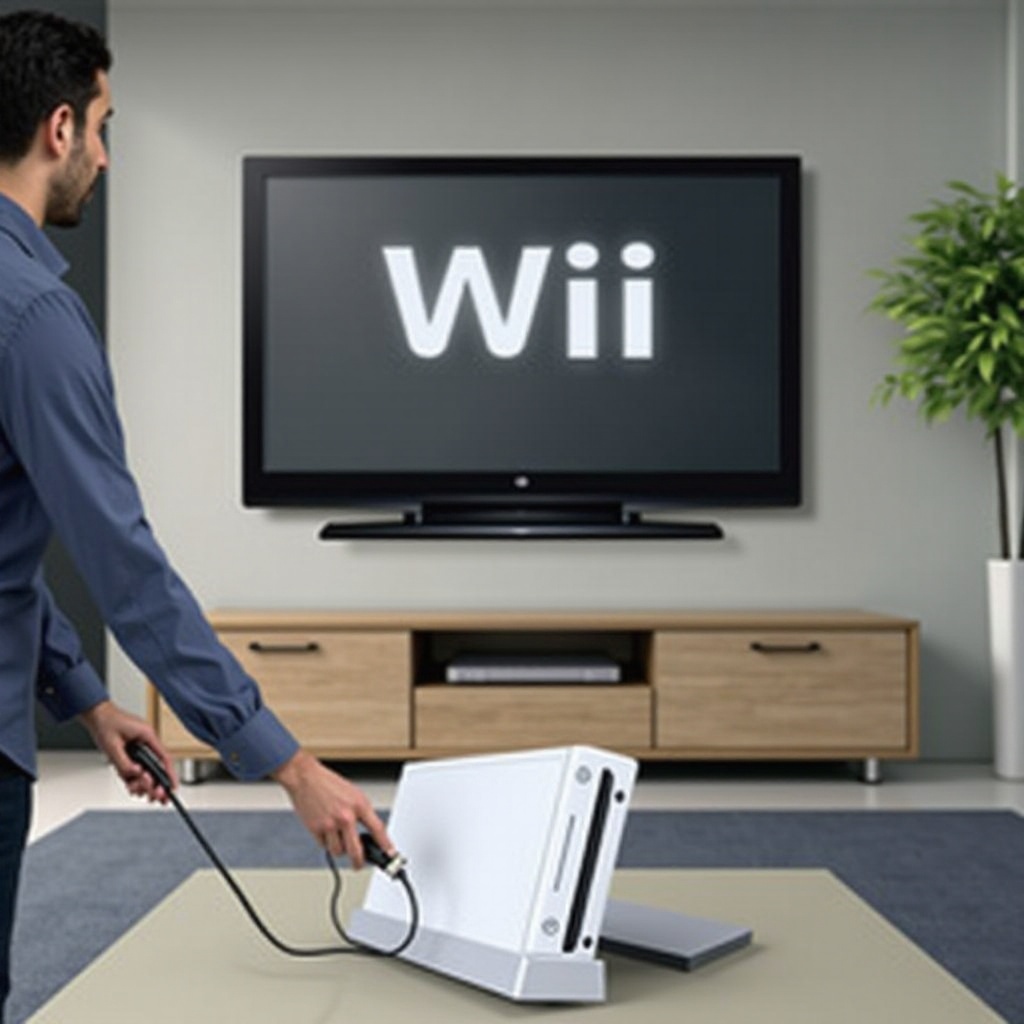
By routinely troubleshooting your Wii, you ensure its longevity and performance. Following these step-by-step methods efficiently resolves most common issues. If problems persist, consider consulting a professional for further assistance.
Frequently Asked Questions
How can I fix a black screen on my Wii?
Check all video cables for proper connection and try resetting the console by holding down the power button.
What should I do if my Wii freezes during gameplay?
Reset the console by holding down the power button and ensure that the game disc is clean and undamaged.
How do I update the Wii’s software if it’s not connecting to Wi-Fi?
Manually change the network settings by entering your Wi-Fi details correctly or consider using a LAN adapter for a wired connection.